Notes
Design review tomorrow, 3pm. Bring the prototype.
Textjust now
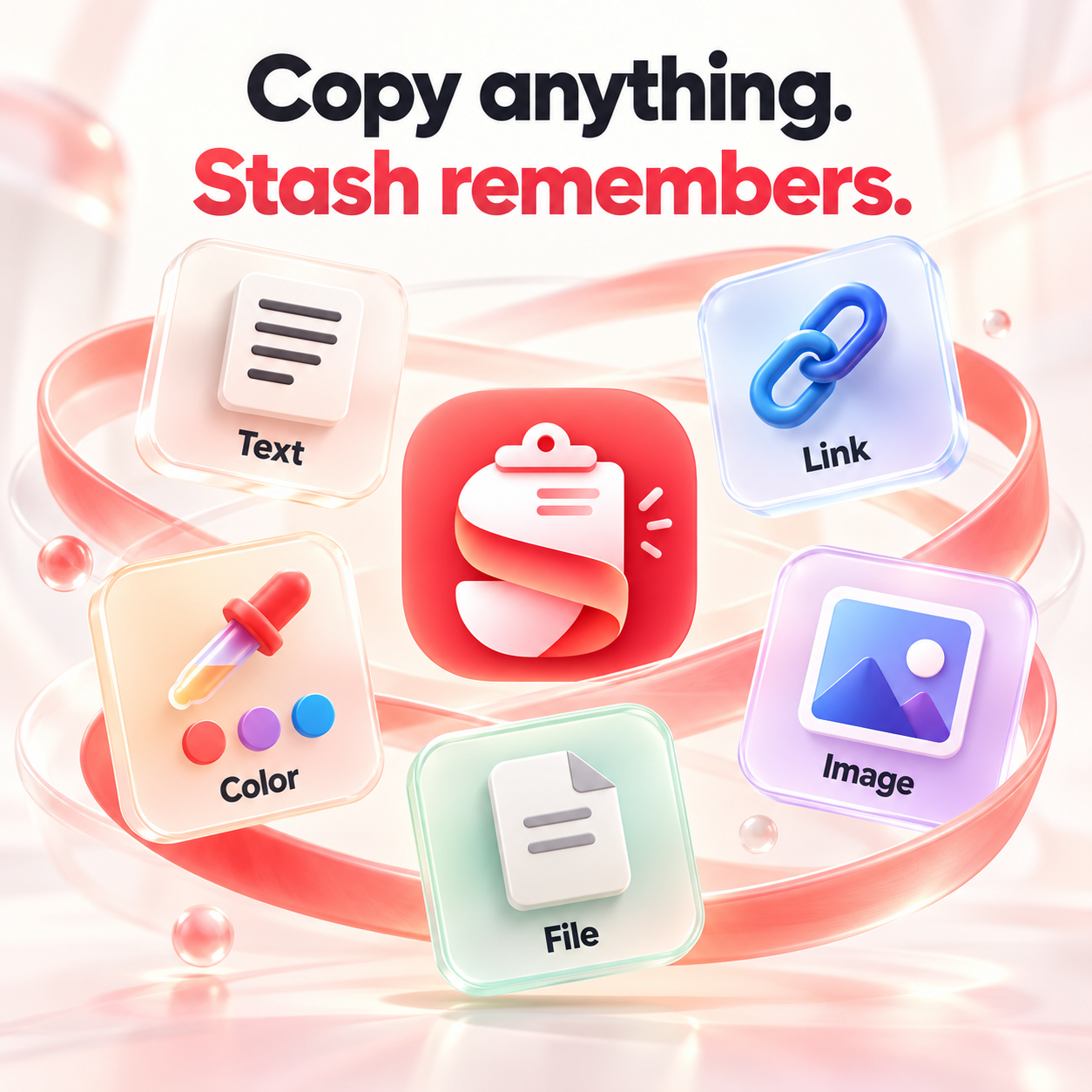
Stash is a clipboard manager for Mac. It keeps everything you copy — text, links, colors, images, files — and brings it back with ⌘⇧V. Pick one, press Return, and it's pasted straight into the app you're using.
Requires macOS 14 or later · Apple Silicon
No matches.
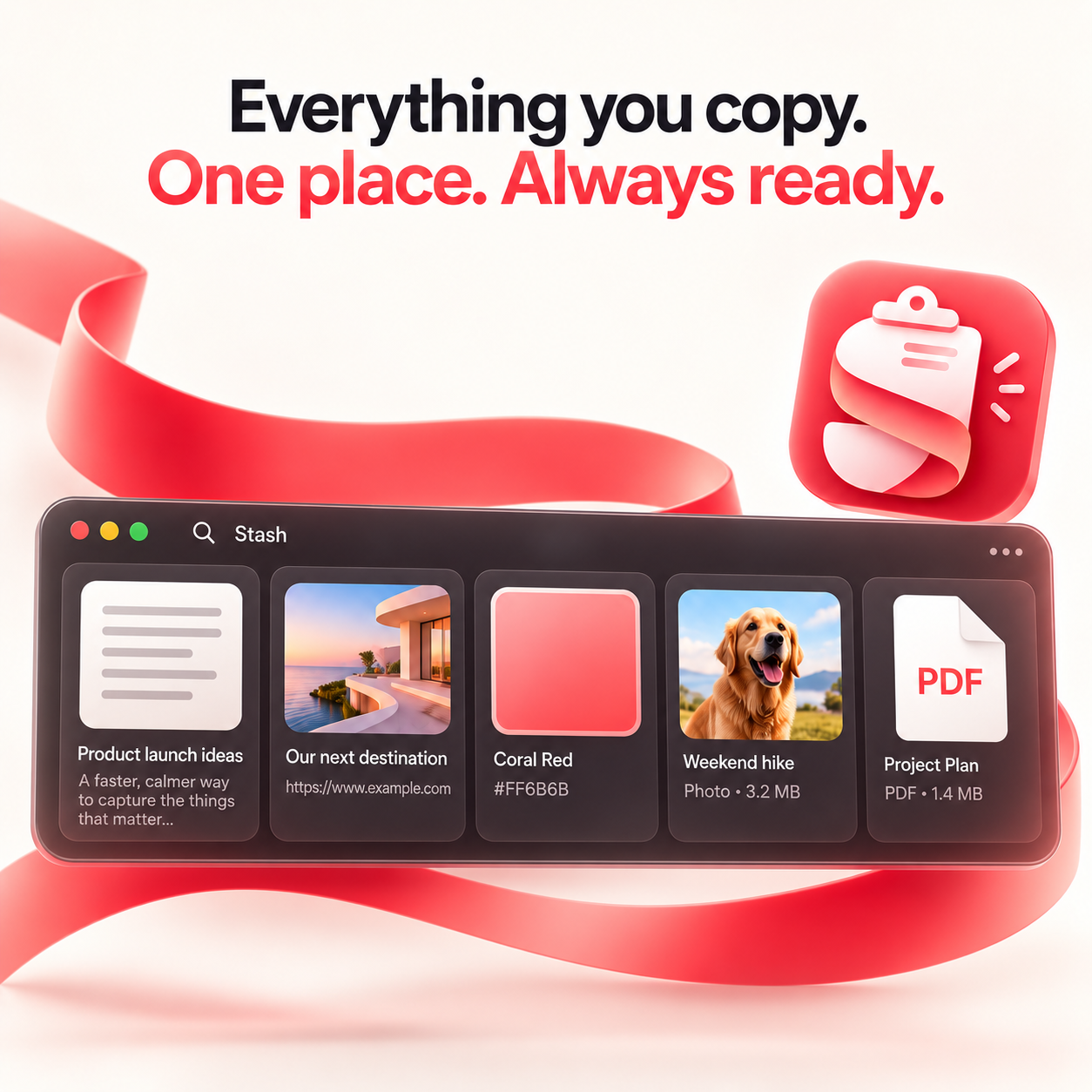
No clutter, no account. Just a panel that slides up from the bottom of your screen when you need it.
Text keeps its formatting. Links show their domain. Color codes become swatches. Images get a preview. Files show their real Finder icon. Every item also remembers which app it came from.
Open with ⌘⇧V, pick with the arrow keys, press Return. Stash hands you back to the previous app and pastes — your hands never leave the keyboard. ⌘1 through ⌘9 paste the first nine items instantly.
Click away or press Esc to close.
Choose when unused items disappear, from one day to one year. Every paste resets the clock, so what you use stays. Pinned items are never deleted.
stash:// still open it.Every plan unlocks everything. The only difference is how you pay.
$4.99/ 3 months
$1.66 per month
Renews every 3 months. Cancel anytime.
Get 3 months$14.99/ year
$1.25 per month
Renews yearly. Cancel anytime.
Get 1 year$34.99once
Yours to keep
Pay once. No renewals.
Get lifetimeInternational prices are in USD. Visitors in Vietnam automatically see Vietnam pricing. Tax, if any, is calculated at checkout.
Stash is a clipboard manager for Mac. It keeps a searchable history of everything you copy — text, links, colors, images, files — and pastes your pick straight into the app you're using. It runs on Apple Silicon Macs with macOS 14 or later, and it's an independent app, unrelated to git stash or other products with the same name.
Yes, once you grant Accessibility access so Stash can press ⌘V on your behalf. Without it Stash still works: it puts your pick on the clipboard and you press ⌘V yourself.
Stash skips anything a password manager marks as concealed or transient. Some browser extensions don't mark it, so those can slip through — use the manager's desktop app, or delete the item with ⌘⌫.
Yes. If you're in a country with purchasing-power pricing, such as Vietnam, a discount is applied automatically at checkout. You don't need to enter a code. The discount isn't offered to visitors using a VPN or proxy.
No. Stash is Mac-only and your history lives entirely on your Mac. No account needed.
Up to your 400 most recent items. Pinned items are never removed, and you can auto-delete unused ones after anywhere from a day to a year.
Apple Silicon Macs (M1 or later) on macOS 14 Sonoma or later.
Menu bar → Hide menu bar icon. To get back to settings later: press ⌘⇧V, then the ⚙︎ at the panel's right edge.

Copy once. Paste as often as you like.
Download for MacRequires macOS 14 or later · Apple Silicon